Character intelligence
Your character, clearly understood.
The add-on exports the character you actually play: gear, talents, spells, and every relevant detail in one click.
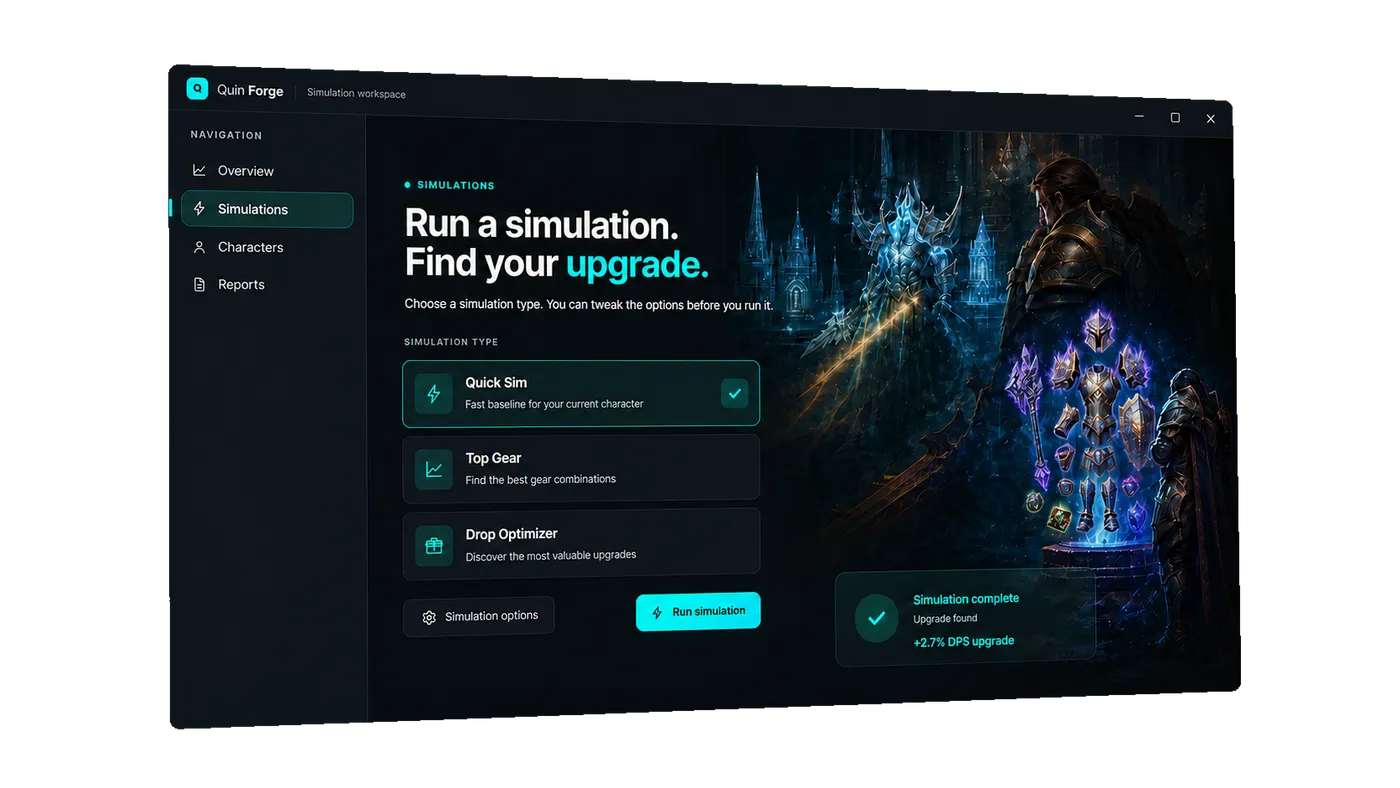
One focused desktop workspace for the character you raid in — gear, talents, and the next upgrade decision, simulated and reported where you actually play.
The Forge workspace
Character intelligence
The add-on exports the character you actually play: gear, talents, spells, and every relevant detail in one click.
Live simulation
Queue position, worker activity, progress stages, and finished results stay visible while Quin Sim does the work.
Drop optimizer
Every candidate is scored against your real setup, so the next upgrade is backed by your own numbers.
Reports
Explore the inputs behind every result: spells, effects, candidates, and the model that connects them.
From download to decision
Download the installer
The installer is produced and signed by the same pipeline that ships every update, so what you install is exactly what was built.
Sign in with your Quin Sim account
The account you already use on the web carries over. Characters, reports, and history follow you into the desktop client.
Export from the add-on
Install the Quin Forge add-on in WoW, export once, and the desktop client picks up the real gear and talents you raid in.