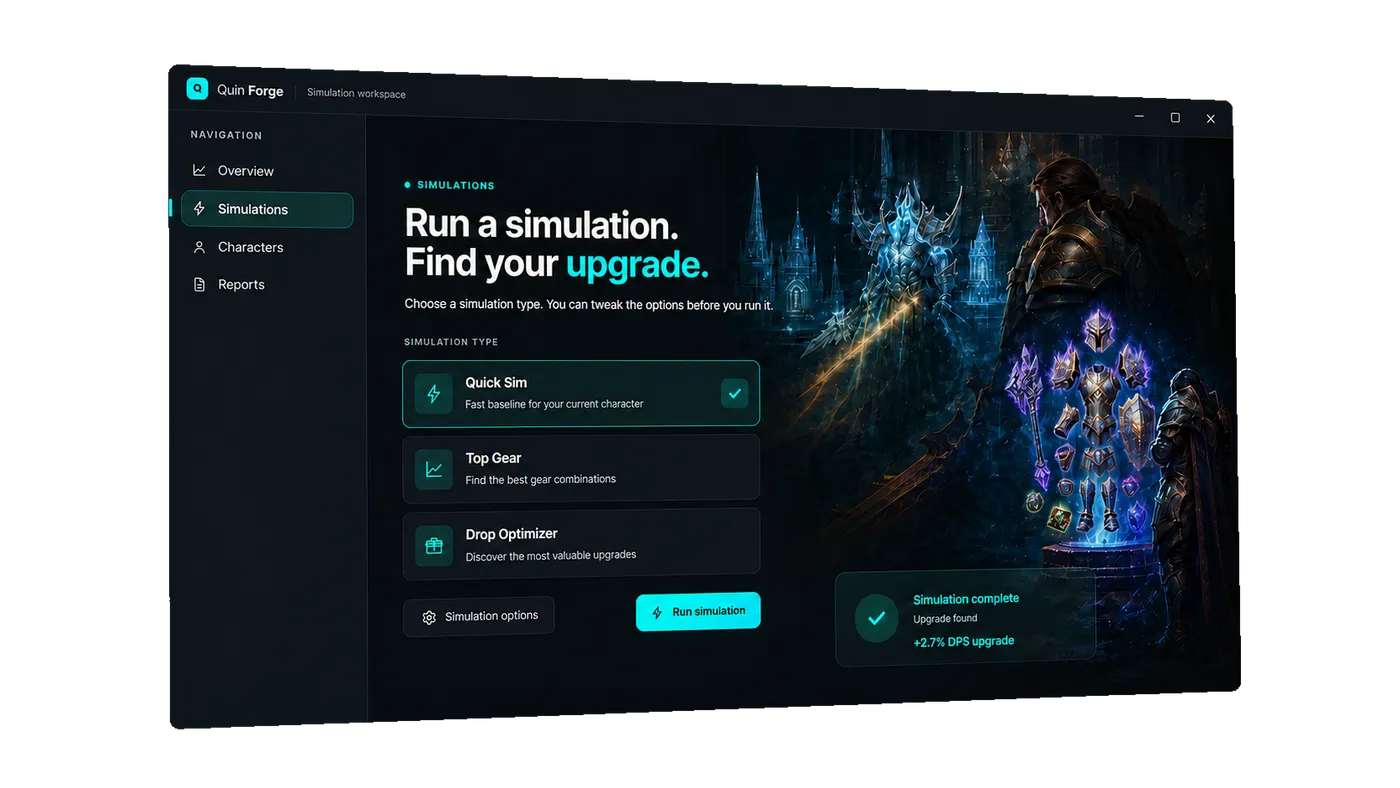
Live simulation
See every stage of a run.
Queue position, worker activity, progress stages, and finished results stay visible while Quin Sim does the work.
Open in ForgeInstant character synchronization and verified SimC precision for World of Warcraft.
Use for FreeThe Forge workspace
Live simulation
Queue position, worker activity, progress stages, and finished results stay visible while Quin Sim does the work.
Open in ForgeCharacter intelligence
The add-on exports the character you actually play: gear, talents, spells, and every relevant detail in one click.
Open in ForgeDrop optimizer
Every candidate is scored against your real setup, so the next upgrade is backed by your own numbers.
Open in ForgeReports
Explore the inputs behind every result: spells, effects, candidates, and the model that connects them.
Open in ForgeA calmer way to prepare
Bring your character in
A single export captures your gear, talents, enchants, and equipped items exactly as you use them.
Let the run do its work
Pick a target and follow the simulation live while Quin Forge handles the detail behind the result.
Walk into the next pull ready
See the upgrade, spell, or setup that matters next — with the full report there when you need it.
Quin Forge desktop
Your character, your raid context, and the next upgrade — in one focused desktop workspace that keeps itself up to date.